
HTML menu
Customise headers, fonts, colours and alignment. Choose description visibility and mobile allergen-icon placement.
ON SCREEN AND AT THE TABLE
From mobile browsing to printed menus: choose how to present dishes and offers. HTML and PDF views have dedicated controls.
Request a FastMenù demo →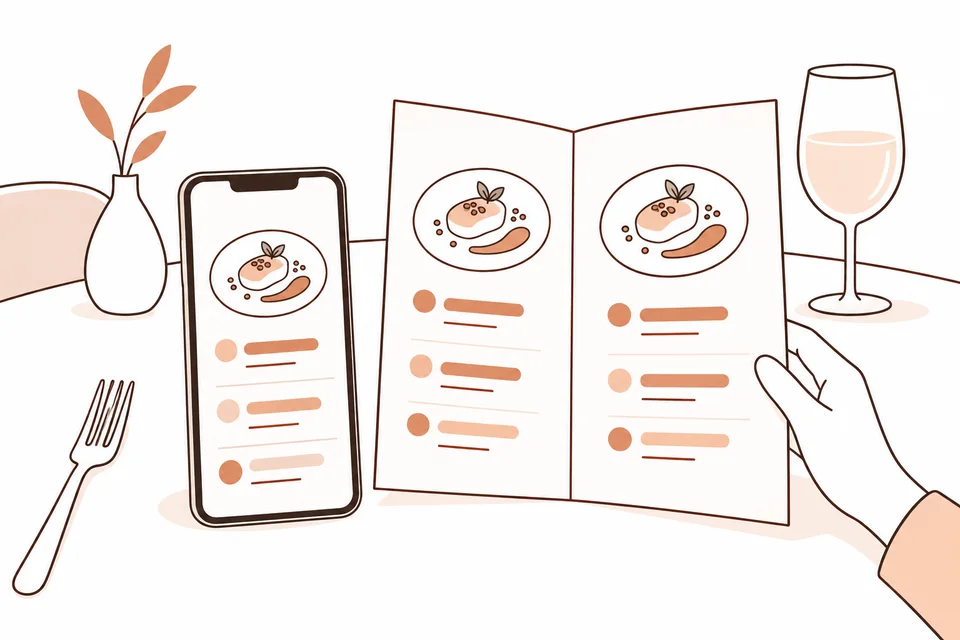
Customise headers, fonts, colours and alignment. Choose description visibility and mobile allergen-icon placement.
Configure the cover, logo, descriptions and allergen page. Single-page A4 and two-page A3 layouts are available.
Offer page navigation, a contents list, zoom and a download link.
The HTML panel can save styles to the open menu or apply them to all menus. PDF layout is configured separately.
Select a menu with “Set as Latest”: the fixed URL points to your choice, not necessarily the most recently created menu.
Readability and accessibility of HTML menus, PDFs and the flipbook reader require separate checks on the restaurant’s published content.
No. Set different preferences for PDF and HTML menus: changing PDF settings does not change HTML settings.
Menu configuration includes English, French and German sections alongside Italian. Prepare and enter content in the desired languages, checking it before publication.
Yes. “Set as Latest” updates the menu reached through the fixed link.
LET’S TALK ABOUT YOUR PROPERTY
Complete the form: we will contact you to understand your needs and arrange a demo. Pricing will be defined later during the sales discussion.