
Dishes and categories
Organise categories and subcategories. Give each product a description, price, internal cost and main category.
FROM CATALOGUE TO SERVICE
Prepare your product catalogue and reuse it across menus. Categories, descriptions, prices and ingredients help organise what you offer guests.
Request a FastMenù demo →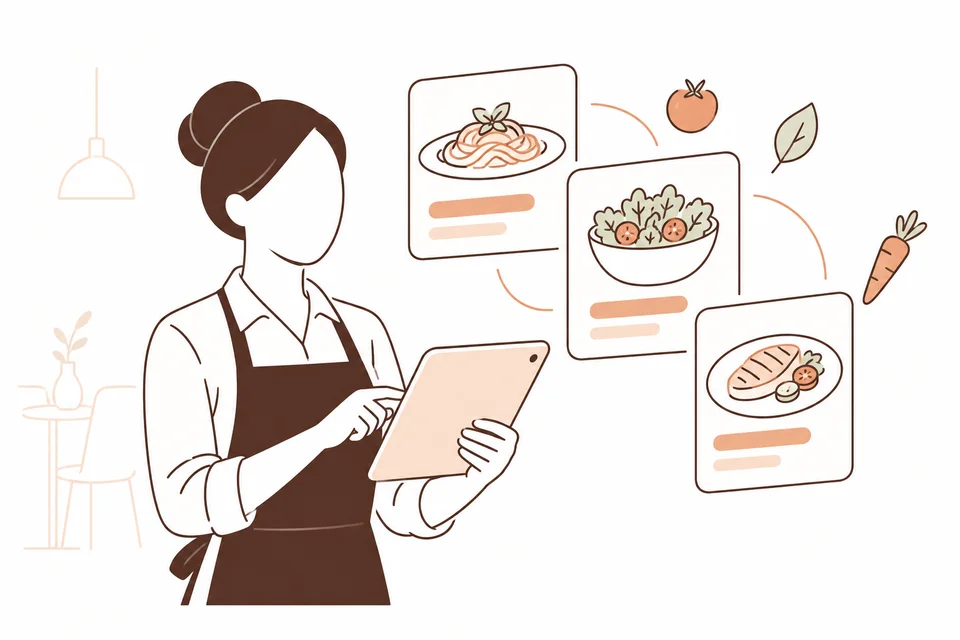
Organise categories and subcategories. Give each product a description, price, internal cost and main category.
Link ingredients and associate allergens and characteristics with products. The restaurant must maintain and verify the information.
Add sections, search products and set the order of dishes and categories. See which menus use a product.
Set lunch and dinner availability, weekly schedules and date ranges. Prepare menus for different service periods.
Product prices, category prices and fixed menu prices are available. Choose the approach suited to your offer; combinations are defined during setup.
Menus in the guest journey →Associate allergens with ingredients and products in their records. Check each dish’s information before publishing the menu.
Yes. Characteristics have their own records and can be assigned to products separately from allergens.
Yes. A menu record can append another menu, such as the wine list.
LET’S TALK ABOUT YOUR PROPERTY
Complete the form: we will contact you to understand your needs and arrange a demo. Pricing will be defined later during the sales discussion.