
Send personalised offers and follow-ups. With the CRM component, organise newsletters and guest communications too.
HOSPITALITY SOFTWARE
More time
for your guests.
More value
in every relationship.
Prepare personalised stay offers, follow up enquiries and access your guests’ history. Communicate by email and WhatsApp with FastReplyMail, and manage documents and loyalty programmes with the other tools in the suite.
For hotels, holiday villages, serviced apartments, campsites, resorts and B&Bs.
RELATIONSHIPS COME FIRST
One guest.
Many opportunities
to be there.
Many opportunities
to be there.
1 / BEFORE THE STAYThe right responseEnquiries, offers and communications
Mail2 / GETTING READY TO WELCOME GUESTSMore value in every stayExtra services and experiences, preferences and an invitation to Rewards
Suite3 / AFTER THE STAYA reason to returnPoints, benefits and rewards
RewardsDESIGNED FOR YOUR WORK
Hotels and resorts
/Serviced apartments and holiday accommodation
/B&B
/Property groups
EMAIL AND WHATSAPP, WITH FASTREPLYMAIL
The relationship continues.
Even when the channel changes.
An offer by email, a message on WhatsApp: choose how to reach your guest and help them plan their stay.
Discover FastReplyMailShare an offer or prepare a message from a CRM template. FastReplyMail opens WhatsApp or WhatsApp Web with the text prefilled, ready for you to check and send.
ON THE PHONE, WITH FASTREPLYMAIL
The phone rings.
There is already a story behind the relationship.
Manage enquiries that arrive by phone too. With the CRM component, find previous stays and offers and prepare a proposal with the guest’s history in front of you.
Explore the workflow for your teamFind the person calling
Type the surname in the Composer and select the guest suggested by the CRM. Check their history to see whether they have stayed before or received an offer.
Build on previous choices
Where available, the Composer shows the last room or accommodation type and rate booked: a starting point for confirming preferences and suggesting a suitable option.
Prepare your response during the call
Set dates and guest numbers, check prices and availability with booking engines that support them, and prepare the offer. Record “phone” as the enquiry source.
ONE SUITE, MORE POSSIBILITIES
Technology supports
the relationship.
Each product has a clear role.
Start with what you need and explore with us
the integrations for your property.
FastReplyMail
Create tailored offers.
Help guests choose your hotel.
Bring enquiries together, compose personalised offers and organise follow-ups. With the CRM component, access guest history and continue the conversation.
Discover FastReplyMailYOUR WORKFLOW
1
Collect
Enquiries from connected channels
2
Personalise
Templates, stay details and optional AI
3
Continue the relationship
Follow-ups and, with CRM, guest communications
Availability, prices and booking attribution depend on the connected system.
More tools, the same care.
Discover Chat AI, Signature, Rewards, Survey and FastMenù.

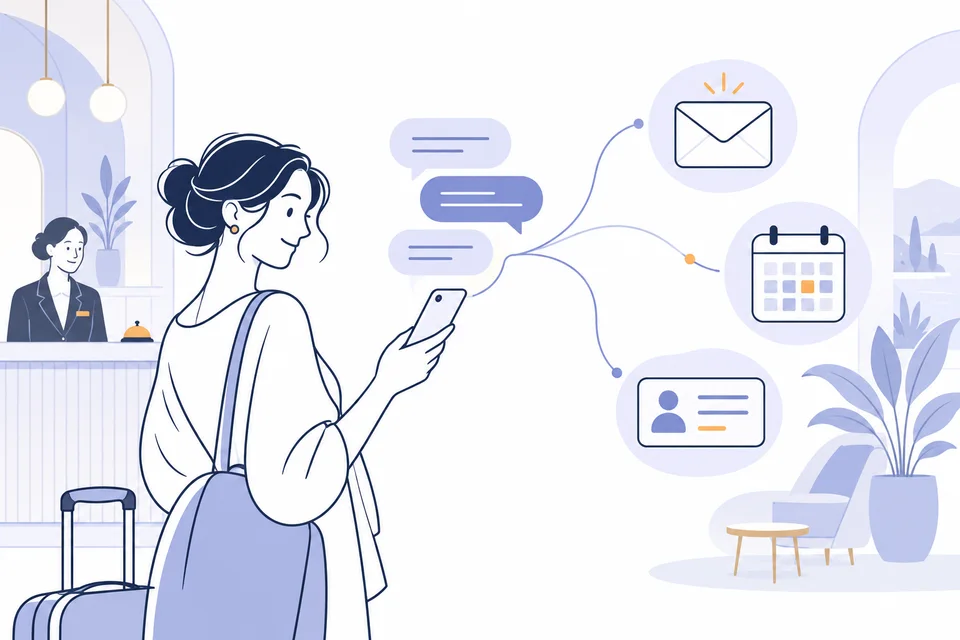
A new relationship starts with the first question.
Availability and prices from the connected booking engine; an offer by email at the guest’s request. Captured leads enter FastReply with a contact profile and access to conversations from the CRM.
CHATBOT · OFFERS · CRM
Discover Chat AI 
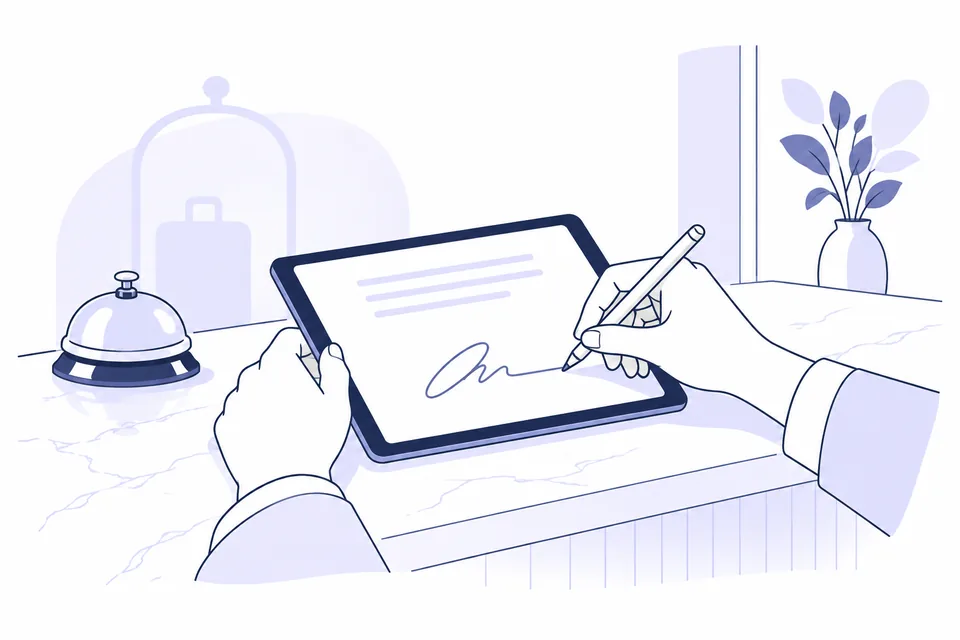
Guest consent, collected and stored.
With Signature, manage three consent categories during online check-in: data processing, marketing communications and sharing with third parties. You can also collect waivers, for example for spa access or bicycle hire. The guest’s choices are available in the CRM; signed documents and PDFs remain in the archive. Each document received triggers a notification to both the hotel and the customer who signed it.
CONSENT · SIGNATURES · ARCHIVE
Discover Signature ↗ 
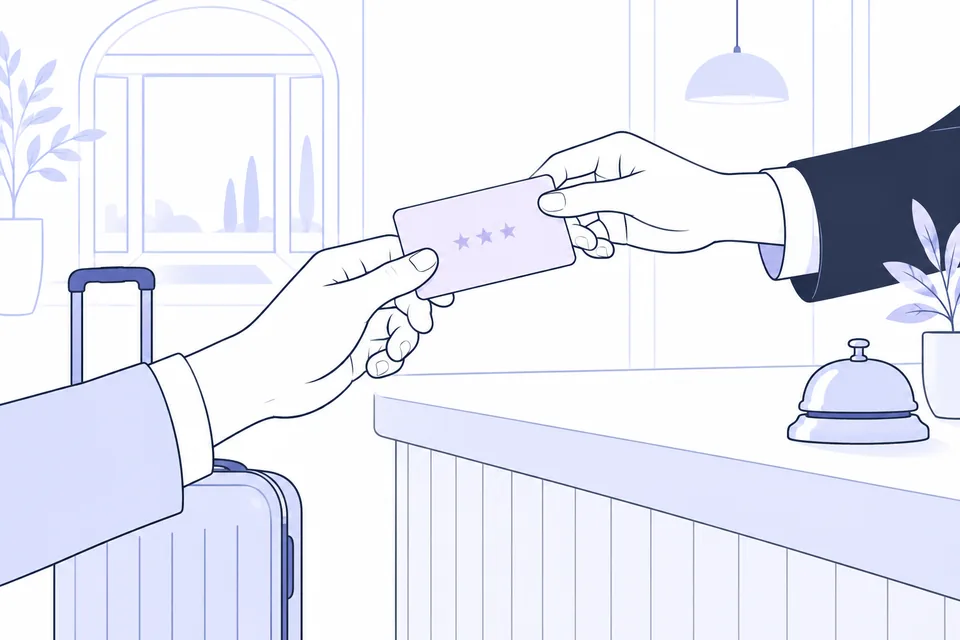
The stay ends. The relationship continues.
Create your property’s loyalty programme: points, tiers, cards and rewards. When FastReplyMail CRM is connected, updates start from imported bookings.
POINTS · TIERS · REWARDS
Explore the Rewards loyalty programme 
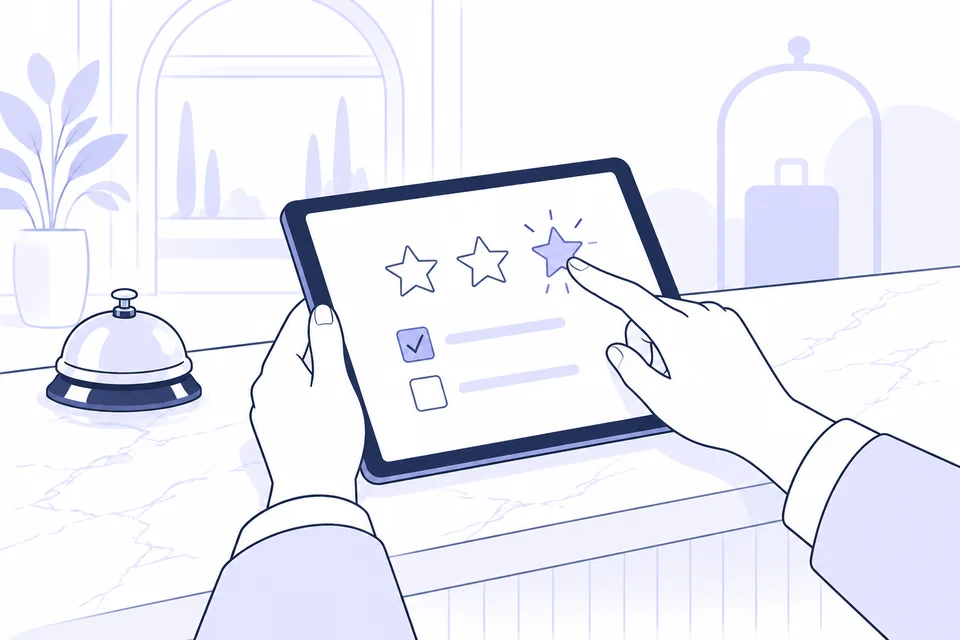
Listen to your guests. Make their answers count.
From satisfaction surveys to pre-stay questions and email funnels: answers feed preferences and tags into the guest profile. Use them to select relevant groups and direct guests to dedicated mailing lists through configured rules.
QUESTIONNAIRES · TAGS · SEGMENTATION
Explore Survey 
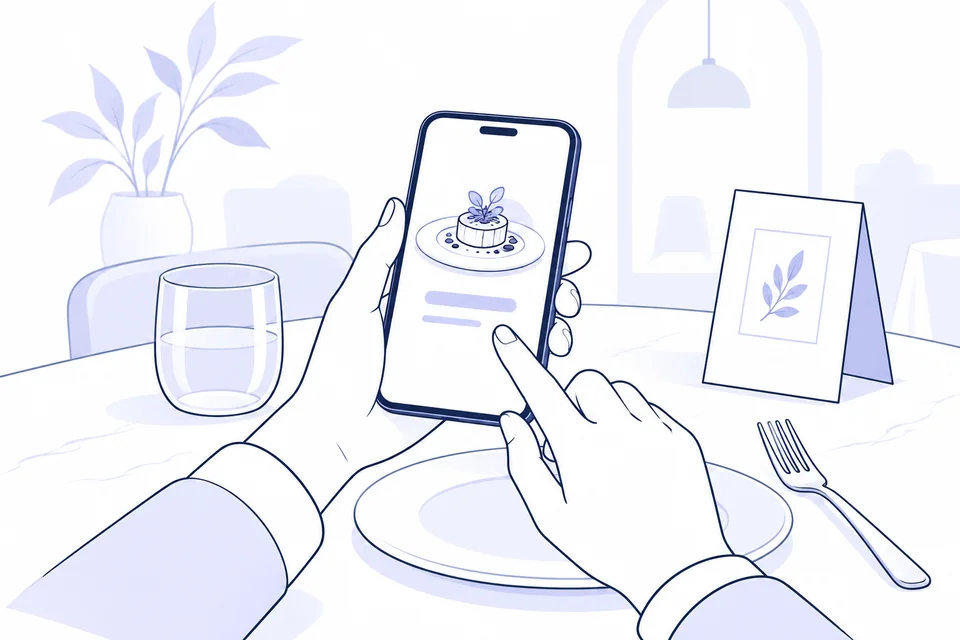
Your menu, within every guest’s reach.
Create multilingual menus with dishes, ingredients and allergens, accessible by QR code. Guests can also book a table online and choose dishes in advance: convenient for half-board guests too.
FOOD SERVICE · DIGITAL MENUS
Discover FastMenù Integrations require configuration. Modules, commercial availability and terms are agreed with the team.
The suite, ready to hand.
The main FastReply features in a brochure to keep or share with your team.
CONNECTED APPS, A SHARED VIEW OF THE GUEST
Every interaction adds
another detail to the relationship.
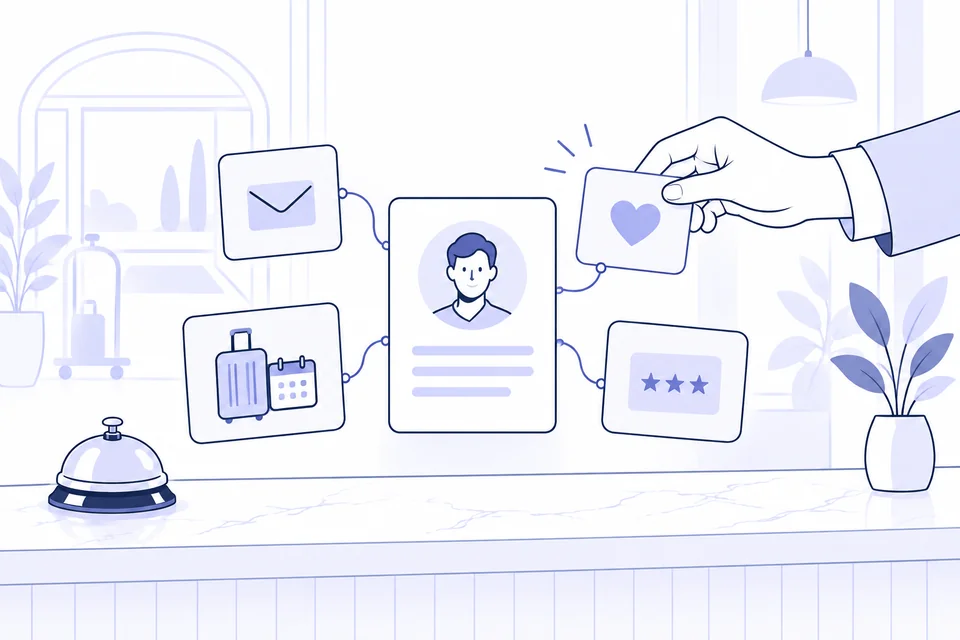
In FastReplyMail CRM, offers, stays and communications sit alongside data collected through Check-In, Survey and Rewards when these are active and connected. Stated preferences, interests, stay patterns and recorded spending help the team get to know the guest.
With FastReply Chat AI, leads captured in chat are transferred to the CRM with their own contact profile. Conversations can be accessed directly from FastReply to continue the dialogue with the available context.
With Signature, manage and store three consent categories during online check-in: essential data processing, newsletters/WhatsApp/marketing and sharing with third parties. You can also manage waivers for services such as spa access or bicycle hire. Collected consent is available in the CRM. Each document received triggers a notification to both the hotel and the customer who signed it. These choices help the team select recipients for communications and promotional offers.
With AI features active, a short written summary brings together the guest’s history and the value of the relationship. The team can read it alongside collected preferences to provide a more personal welcome and relevant offers.
Information that comes togetherThe profile brings together data available from connected modules and systems.
A summary to interpretFinancial value is based on recorded spending at the property; the AI summary helps the team review the history.
FROM YOUR WEBSITE TO FASTREPLYMAIL
The first enquiry starts
with a form made for you.
Create and customise forms for your property’s website or your email campaign landing pages.
Quote requests
Choose the language, colours and stay options. The guest completes the form and the enquiry arrives in FastReplyMail, ready for you to prepare an offer.
Give each form a name to identify the page or campaign that generated the enquiry.
Newsletter subscriptions
Invite visitors to stay in touch with your property. Customise the form’s language and colours and choose the mailing list to add them to.
With the CRM component, the contact is created or updated and added to the selected list, with privacy and marketing consent recorded.
START WITH A PRACTICAL NEED
How can we
make your day
easier?
Your property’s goals come first.
Then the tools to achieve them.
1 Respond to enquiries +
Collect enquiries from connected channels and use the Composer to create an offer with stay details, templates and booking links.
Explore the FastReplyMail workflow →2 Prepare for arrival +
With the Fast Check-In component, send a link to collect details before arrival. Signature can handle the privacy form in the check-in workflow.
Discover modules and integrations →3 Keep the relationship going +
With CRM, schedule post-stay communications. With Rewards, manage points, tiers and rewards according to your property’s rules.
Discover the role of Rewards →WORKING WITH YOUR TOOLS
Every integration
has a clear role.
FastReplyMail connects to booking engines,
PMS platforms and portals. Together, we check
the features available for your system.
BOOKING ENGINE
From offer to booking
Prefilled links. Availability and prices with booking engines that support them.




PMS AND CHANNEL MANAGERS
Connected stay data
Bring bookings from compatible systems into your CRM, using the features supported by your integration.

We help you choose the right integration and agree on setup and costs.
Check your integration optionsLET’S MAKE THINGS CLEAR
Your first questions.
Practical answers.
Do I have to activate the whole suite?
The products address different needs. In FastReplyMail, CRM, Check-In and AI are components that can be activated per property. We help you define the configuration and commercial terms.
Does Rewards always require FastReplyMail?
Technically, Rewards can also be used by entering customers and stays manually. Connecting CRM automates booking imports. Standalone commercial availability must be checked with the team.
Is Signature only for hotels?
No. Alongside hospitality, Signature serves diving, sports, events, short-term rentals and other businesses that collect documents completed and signed on screen.
FROM THE BLOG · IDEAS AND STRATEGIES
A good relationship
starts with a good idea.

AI at reception: where to start and how to measure results
A practical trial of AI for guest replies: compare time, corrections and quality while keeping control before sending.
Read article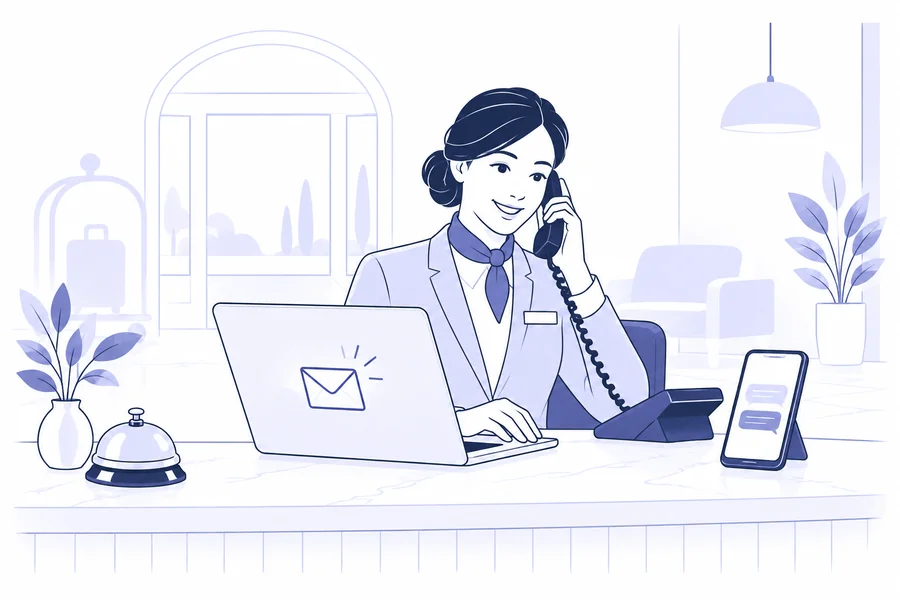
Why you cannot speak or write the same way on every channel
Adapt tone, length and content to email, WhatsApp and phone calls. A guide to clear guest messages and consistent information.
Read article
How to present your offer to a guest: wording, design and personalisation (without overdoing it)
Organise the wording, images, prices and terms in your hotel quote. Examples and checks for a clear proposal, including on mobile.
Read article
How to create an email marketing funnel for your hotel (without overwhelming guests)
Plan an email journey for your hotel: recipients, segmentation, content and automation. With checks to avoid overlapping messages.
Read article
From contact forms to chatbots: what has changed on hotel websites
Compare forms, chatbots and AI for reception. Learn which details to collect and how to check the journey from a guest’s question to an answer.
Read article
Automate without losing the human touch: communications before, during and after the stay
Organise messages before, during and after the stay. A guide to data, timing and checks for automation that keeps guests in mind.
Read article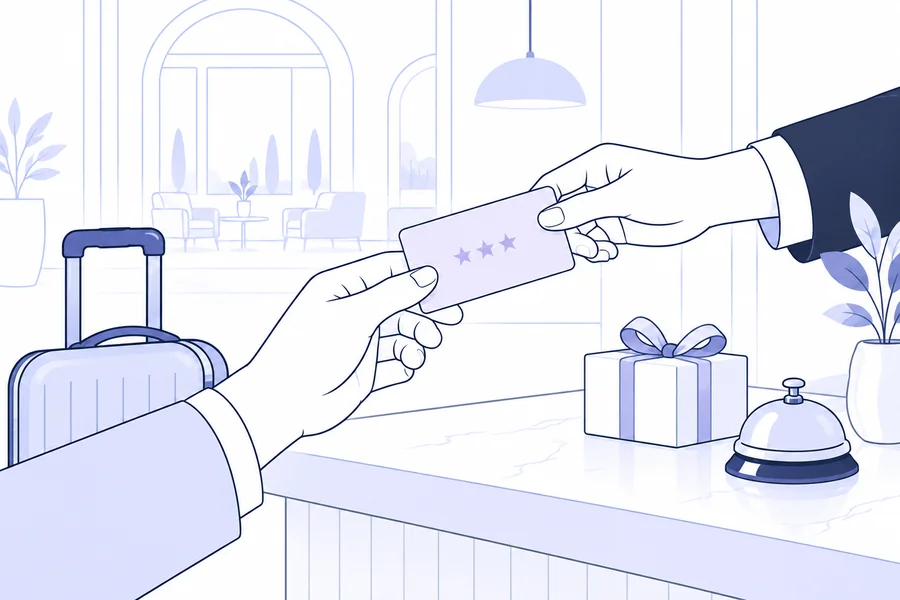
CRM and loyalty programmes: how to build a real hotel guest club without being a chain
How to design a sustainable guest club: the role of CRM, points, tiers, rewards and operating rules. With examples from FastReply Rewards.
Read article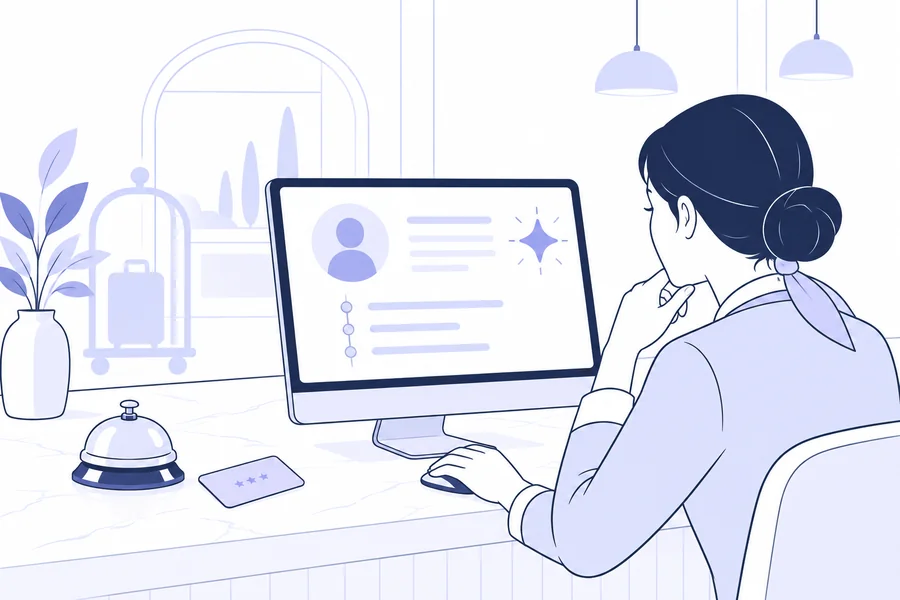
From an advanced address book to intelligent CRM: yesterday, today and tomorrow
From guest profiles to AI drafts: using data and automation in hotel CRM, distinguishing available features from future scenarios.
Read article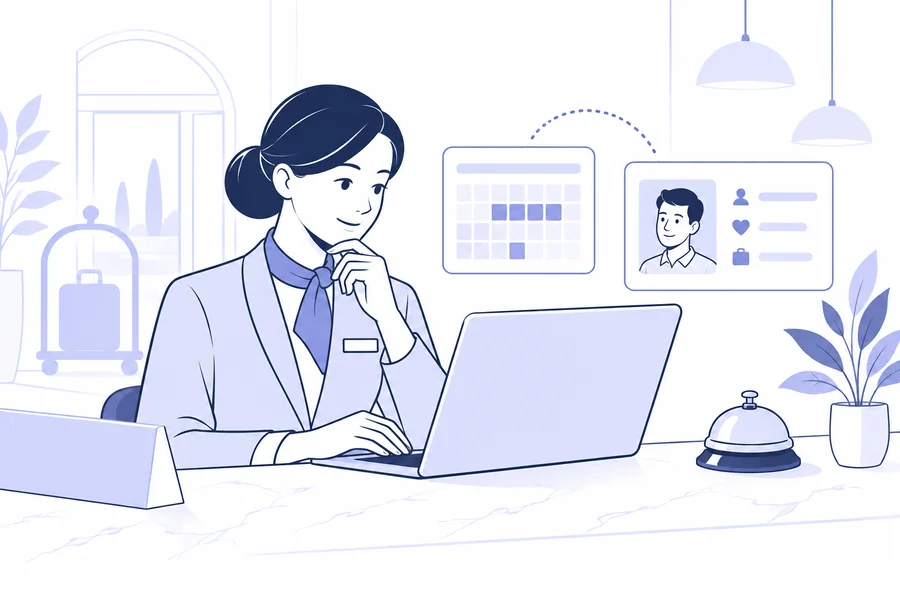
Hotel CRM: why a property management system is no longer enough
Discover the differences between PMS and hotel CRM, and assess enquiries, offers, guest history and integrations through real reception workflows.
Read article