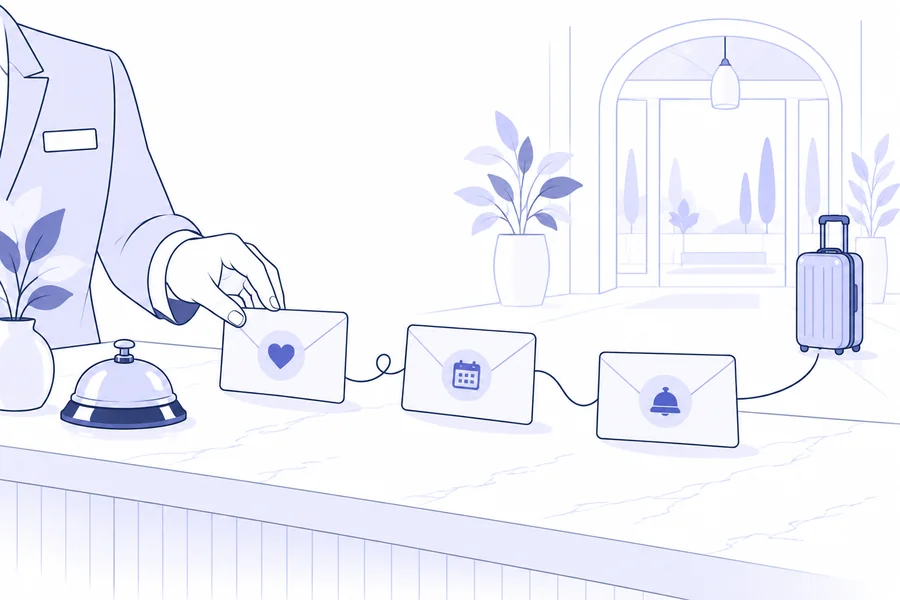
To understand where a stay enquiry stalls, trace the journey through to confirmation: receipt, ownership, reply, offer, any further questions and booking. Look for a verifiable fact and an owner at each stage. Silence alone does not explain why a guest has not booked.
Direct bookings follow different routes, including telephone, email and the hotel website. HOTREC’s 2026 hotel distribution study, covering 2025, distinguishes these channels. Here we focus on enquiries that need a reply from the property, rather than bookings completed independently through the booking engine.
HOTREC European Hotel Distribution Study 2026 (PDF)
Start with enquiries, not emails sent
Choose a receipt period and a comparable set of enquiries, such as direct enquiries for individual stays. Count the same requirement once, even if it first arrives through a form and then by phone. Keep a reference so the team can find the conversation without unnecessarily copying personal data into shared documents.
Do not mix enquiries received this week with bookings originating from last month’s offers. Also decide when to record the outcome: yesterday’s enquiry may still be under consideration. Choose an observation window that suits the property’s decision cycle and keep it consistent when comparing results.
Six steps to review with your team
-
Receipt: did the enquiry reach the intended channel? Check for duplicates, delivery errors and missing details.
-
Ownership: who should reply, and who takes over at the next shift? An enquiry seen by several people can still go unanswered.
-
First useful reply: does it answer the questions or request the information needed to proceed? An automatic acknowledgement is not a quote.
-
Offer: are dates, occupancy, price, services and conditions consistent? Test the next step on a phone without completing a real purchase or booking.
-
Further questions: is anything still unanswered? Assign a person to reply and record the next review, avoiding overlapping contact.
-
Confirmation: is there a verified booking in the property’s operational system? A click, a detected open or an archived offer does not amount to a booking.
To work on the offer itself, use this review alongside our guide to wording, design and personalisation.
How to present a clear stay offer
Measure waiting times and separate outcomes
Record the time from receipt to the first useful reply and, separately, the time to the offer being sent. State whether you count calendar hours or staffed hours. Show the number of unanswered enquiries alongside the average: excluding them from the average response time does not resolve them.
Use clear outcomes: confirmed booking, no availability, declined with a stated reason, awaiting clarification, or no reply by the review date. Do not assign “price” as the reason unless the guest has said so. Keep open cases separate from confirmed declines.
An example: two percentages, two different questions
Hypothetical example, not a FastReply customer result: 40 distinct enquiries arrive during a period. By the agreed review date, 10 have no availability and 30 have received an offer. Of those 30, 9 are linked to a confirmed booking. Assume all confirmations have been reconciled and all 40 enquiries have had the same observation window.
-
9 ÷ 40 = 22.5%: received enquiries that led to a confirmation.
-
9 ÷ 30 = 30%: enquiries with a sent offer that led to a confirmation.
The two values answer different questions. Show them with the counts and observation period; do not compare one against the other as if they measured the same thing. The other 21 offers do not prove 21 rejections: check which are still open and which have a known outcome. Also distinguish a confirmed booking from a completed stay.
Follow up to resolve a specific question
There is no single waiting time that suits every enquiry. Consider arrival date, the offer’s actual validity and any ongoing conversation. Before following up, check whether the guest has already booked, declined or heard from a colleague. A useful message clarifies a point without inventing urgency or limited availability.
An example to adapt to the conversation: “The offer includes the two room options we discussed. Is there any information you need to compare them? We can clarify the layout and included services before you decide.” If an unanswered question is the issue, repeating the same quote does not supply the answer.
How to organise a useful email sequence
What you can check in FastReplyMail
FastReplyMail collects enquiries from configured channels and shows those still awaiting a reply. The Composer lets you prepare an offer using the enquiry details. Archiving an offer with a reason can remove the enquiry from the work queue, but is not the same as sending it: the average response time described in the statistics covers enquiries with an offer actually sent.
Automatic attribution of a booking to an offer depends on the integration: the system importing the booking must return the offer reference carried in the link. A confirmation made by phone or through another route may not be attributed automatically. Before interpreting a missing conversion, reconcile the data with the booking system. A detected open is also a technical signal, not proof that someone has read the offer.
Choose one change and review it
At the next team meeting, work through the six steps and choose one documented problem: enquiries without an owner, incomplete replies or unclear links. Assign a specific change, a person and a review date. Then compare similar enquiries using the same counting rules and observation window.
Availability, season and enquiry type can change alongside the process: record them before attributing a rise in bookings to your change. The first useful result is knowing which enquiries need action and which step needs improvement, using information the team can verify.
FROM READING TO PRACTICE
Keep track of incoming enquiries
See how FastReplyMail collects enquiries from configured channels and helps you identify those still awaiting a reply before composing an offer.
Explore enquiry management →