Automate a specific task
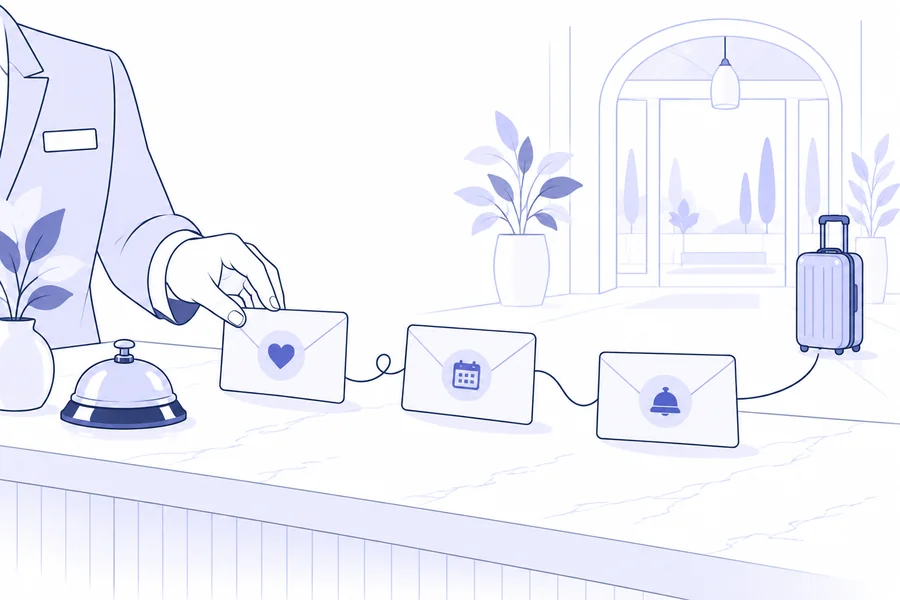
Repetitive communications take time, particularly when reception is handling arrivals, calls and enquiries together. Automation can ease this workload when the message is relevant and the data is reliable. Otherwise, it repeats the error across more recipients.
Start with a simple task: sending pre-arrival directions or following up an offer still under consideration. Define who should receive the message and in which situation. The human touch starts here: recognising the context before choosing a friendly tone.
Before the stay: reduce uncertainty
A useful message can bring together directions, opening hours, contacts and arrival arrangements. Include only information valid for that booking. If the property is seasonal or services change over time, review templates before reopening.
With Fast Check-In active, you can send a link to collect guest details in advance. Completing online check-in does not prove the guest has physically arrived: do not treat these as equivalent events.
If the process involves a PMS, check the specific integration. FastReply does not send directly to Alloggiati Web; any submission via PMS depends on that system’s features and configuration. For the full workflow, see bookings and online check-in.
During the stay: choose useful messages
Not every occasion calls for an email. Operational information may be helpful; a generic sales offer sent while the team is dealing with a guest’s problem may be inappropriate.
Before designing an in-stay workflow, check which data identifies the period and how current it is. A rule using booking dates must not be described as detecting actual presence at the property. Assign a person to handle special requests or complaints.
One example of a service message is a summary of support contacts. It must list channels and hours that are actually staffed. Avoid promising an immediate response if the team cannot deliver it.
After departure: listen and keep in touch
A brief thank-you can invite feedback on the experience. If you request public reviews, use consistent criteria rather than selecting only satisfied guests. Negative feedback also helps identify issues requiring a personal response.
A future invitation to return is separate from a thank-you. It should go to recipients eligible for promotional communications, with relevant content and a considered frequency. Do not automatically add every guest to a sales sequence simply because you have their address.
Putting the plan into practice in FastReply
The automated messages in FastReply distinguish rules for offers, guests and bookings, with availability depending on active components. Choose conditions, delays and templates from the options actually available and check the affected records before activating a rule.
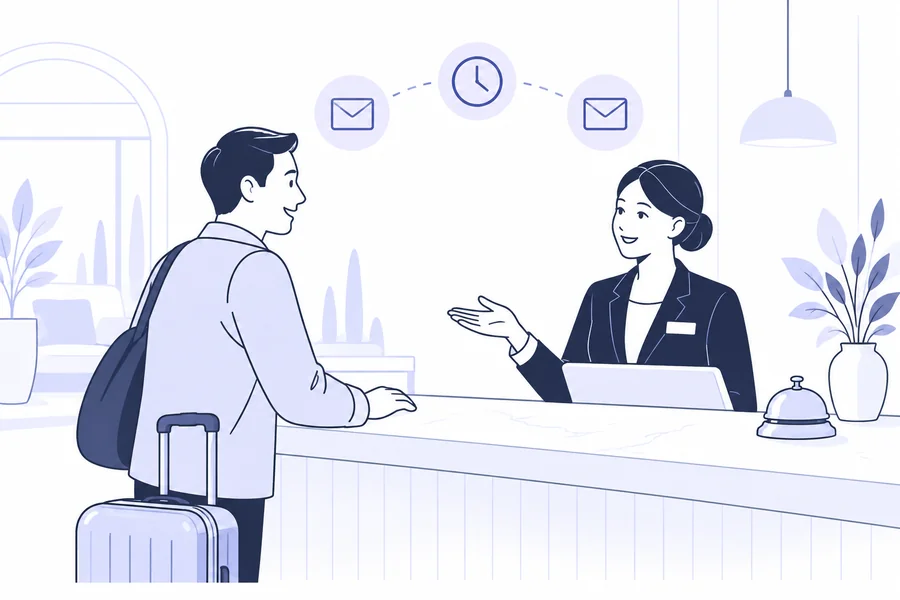
Rules are evaluated every 30 minutes and messages go through a queue. A configured delay must therefore not be presented as guaranteed delivery to the minute. WhatsApp sharing remains a staff action, not an automatic send equivalent to email.
Check that newsletters and other automations do not produce overlapping messages. Each individual rule working correctly does not guarantee a good overall experience for the recipient.
Prepare a check your team can repeat
Keep a short record for each workflow: purpose, recipients, required data, wording, timing and owner. Test at least one normal, one changed and one cancelled booking. Where the software offers no automatic exclusion, define a practical team procedure.
After activation, monitor sends and replies. Correct messages that cause confusion and review the workflow when services or integrations change. Automation succeeds when it frees attention for cases needing a person while keeping daily work clear and verifiable.
FROM READING TO PRACTICE
Plan your automated communications
Review the available conditions, timing and checks before activating a workflow.
Learn more →