
Welcome new members
Registration confirmation and welcome emails introduce guests to the programme. Emails can reflect your brand and the recipient’s language.
KEEP THE RELATIONSHIP GOING
Rewards supports guests with communications linked to registration, rewards and tiers. The property configures automations and prepares its own campaigns.
Request a Rewards demo →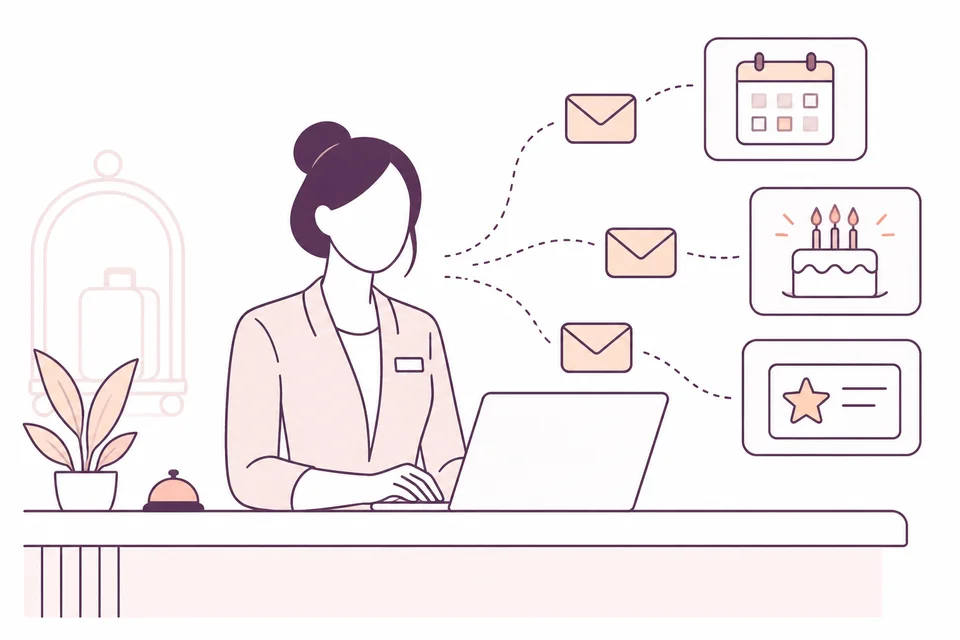
Registration confirmation and welcome emails introduce guests to the programme. Emails can reflect your brand and the recipient’s language.
Enable tier change and newly unlocked reward notifications. Redemption generates a confirmation for the guest, with a copy to the property.
Configure birthday messages and inactivity reminders. You can prepare campaigns for a specific date or before the anniversary of the last booking.
The editor lets you prepare HTML or plain emails, use personalised fields and include content such as available rewards, benefits and offers.
Select the language and filter by the minimum number of nights in the last booking or by the average. Before activation, preview the campaign, duplicate it and note its purpose.
An available automation is not necessarily active for your property. Check timing, content and settings before sending.
The check-in reminder and notification to the property about arriving loyal guests require a connection to FastReplyMail.
Explore the connection to FastReplyMail →Communications include an unsubscribe link. Programme registration must not be presented as automatic consent to every promotional message: content and recipients must respect guests’ expressed choices.
The history shows recipient, subject, type, date and detected opens. A technical open does not prove that someone read the message.
Preferences in the guest’s personal area →Configurable automations include birthdays, inactivity, tier changes and unlocked rewards. Campaigns require content preparation and selection of sending conditions.
Rewards lets you share the card through WhatsApp Web from the guest profile. The automated communications described on this page are emails.
LET’S TALK ABOUT YOUR PROPERTY
Complete the form: we will contact you to understand your needs and arrange a demo. Pricing will be defined later during the sales discussion.