
Prepare the invitation
Add the Survey link associated with the guest or booking to the email template. Explain why you are asking for their feedback.
EMAIL JOURNEYS
Connect surveys to FastReply messages. Then use the preferences you collect to build journeys that reflect guests’ interests.
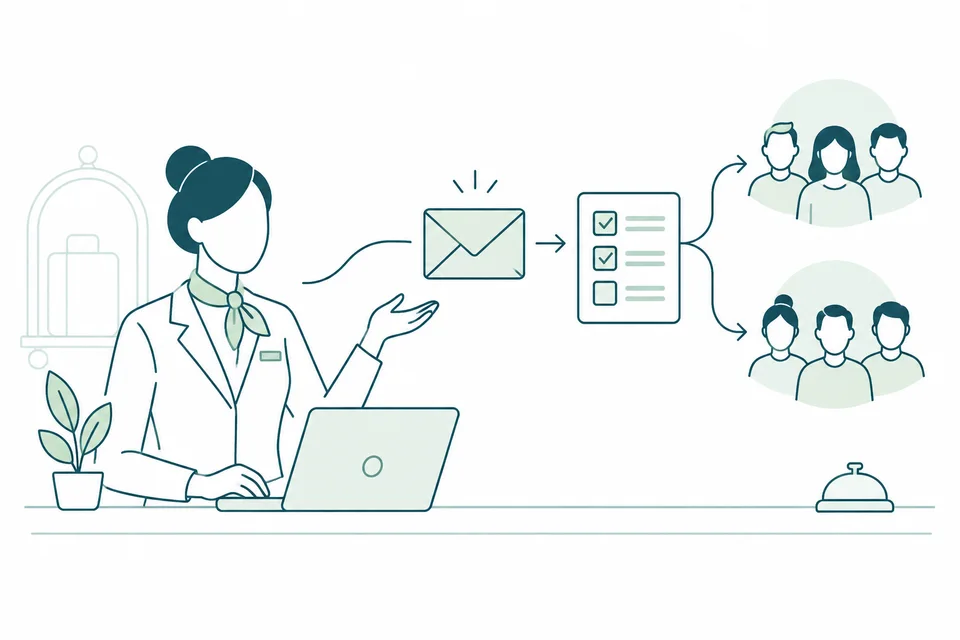
Add the Survey link associated with the guest or booking to the email template. Explain why you are asking for their feedback.
Configure the timing and conditions of the message in FastReply: for example, a thank-you email with a survey after departure.
Response values can be used as filters or conditions to direct guests to dedicated lists through configured rules.
Illustrative outline: content, values, lists and rules must be defined for the property.
Survey collects responses; FastReply manages configured email journeys. Evaluation schedules and sending queues do not imply an immediate email after a survey is completed.
Before activating the journey, check recipients, conditions and consent. A survey does not replace marketing consent.
The journey described here uses FastReply templates, lists and automations connected to Survey questionnaires.
Yes. Preferences and tags associated with responses can be used in FastReply filters and rule conditions.
LET’S TALK ABOUT YOUR PROPERTY
Complete the form: we will contact you to understand your needs and arrange a demo. Pricing will be defined later during the sales discussion.